Category: Data Analytics
Using Process Maps in Government Procurement and Contracts
Read the full English text
A purchase request before and after improvement
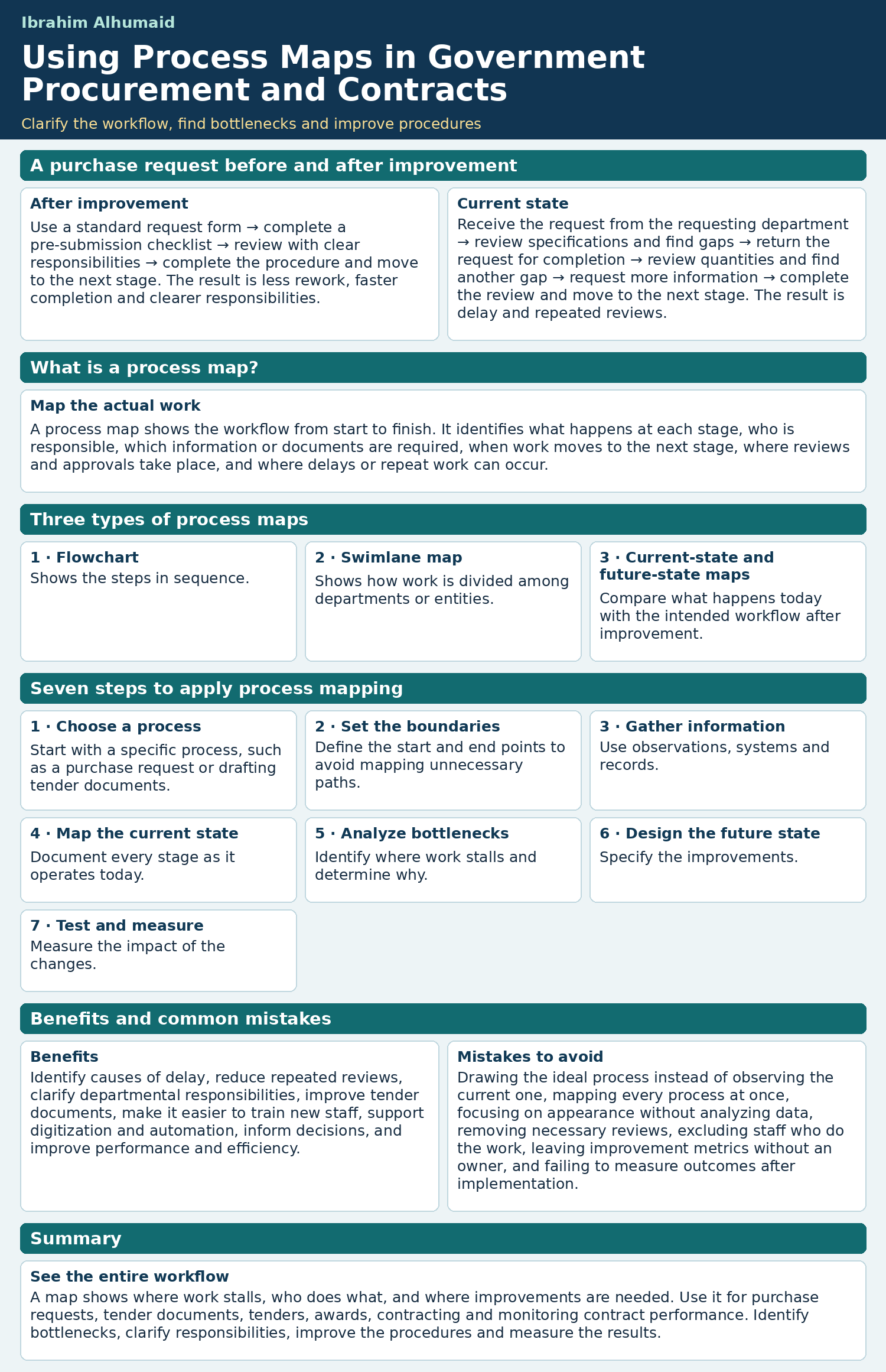
After improvement
Use a standard request form → complete a pre-submission checklist → review with clear responsibilities → complete the procedure and move to the next stage. The result is less rework, faster completion and clearer responsibilities.
Current state
Receive the request from the requesting department → review specifications and find gaps → return the request for completion → review quantities and find another gap → request more information → complete the review and move to the next stage. The result is delay and repeated reviews.
What is a process map?
Map the actual work
A process map shows the workflow from start to finish. It identifies what happens at each stage, who is responsible, which information or documents are required, when work moves to the next stage, where reviews and approvals take place, and where delays or repeat work can occur.
Three types of process maps
1 · Flowchart
Shows the steps in sequence.
2 · Swimlane map
Shows how work is divided among departments or entities.
3 · Current-state and future-state maps
Compare what happens today with the intended workflow after improvement.
Seven steps to apply process mapping
1 · Choose a process
Start with a specific process, such as a purchase request or drafting tender documents.
2 · Set the boundaries
Define the start and end points to avoid mapping unnecessary paths.
3 · Gather information
Use observations, systems and records.
4 · Map the current state
Document every stage as it operates today.
5 · Analyze bottlenecks
Identify where work stalls and determine why.
6 · Design the future state
Specify the improvements.
7 · Test and measure
Measure the impact of the changes.
Benefits and common mistakes
Benefits
Identify causes of delay, reduce repeated reviews, clarify departmental responsibilities, improve tender documents, make it easier to train new staff, support digitization and automation, inform decisions, and improve performance and efficiency.
Mistakes to avoid
Drawing the ideal process instead of observing the current one, mapping every process at once, focusing on appearance without analyzing data, removing necessary reviews, excluding staff who do the work, leaving improvement metrics without an owner, and failing to measure outcomes after implementation.
Summary
See the entire workflow
A map shows where work stalls, who does what, and where improvements are needed. Use it for purchase requests, tender documents, tenders, awards, contracting and monitoring contract performance. Identify bottlenecks, clarify responsibilities, improve the procedures and measure the results.